In today’s competitive job market, having a strong CV is not enough—you need an ATS-friendly CV that can pass through Applicant Tracking Systems (ATS). Many companies in the UAE and globally use ATS software to filter resumes before they reach recruiters. If your CV is not optimized, it may never be seen, no matter how qualified you are.
This guide will help you understand how to create an ATS-friendly CV and where to find free templates that increase your chances of getting shortlisted.
What is an ATS-Friendly CV?
An ATS-friendly CV is a resume designed to be easily read and processed by recruitment software. These systems scan resumes for keywords, formatting, and relevant experience before selecting candidates for the next stage.
If your CV includes complex designs, images, or missing keywords, it may get rejected automatically.
Key Features of an ATS-Friendly CV
To ensure your CV passes ATS screening, include the following elements:
- Simple and clean layout
- Standard fonts like Arial, Calibri, or Times New Roman
- Clear section headings (e.g., Experience, Education, Skills)
- Relevant keywords from the job description
- Proper formatting without tables or graphics
- Consistent bullet points and alignment
How to Create an ATS-Friendly CV
Follow these steps to build a strong and effective CV:
1. Use the Right Structure
Start with a clear format:
- Contact Information
- Professional Summary
- Work Experience
- Education
- Skills
- Certifications (if any)
2. Add a Strong Professional Summary
Write a short paragraph highlighting your experience, skills, and career goals. Keep it simple and relevant to the job you are applying for.
3. Focus on Achievements
Instead of listing responsibilities, highlight your achievements:
- Increased sales by 20%
- Managed a team of 10 employees
- Reduced operational costs
4. Use Keywords from Job Descriptions
Carefully read the job posting and include important keywords in your CV. ATS systems look for matching terms like “Customer Service,” “Project Management,” or “Logistics Operations.”
5. Keep Formatting Simple
Avoid:
- Images or icons
- Fancy designs
- Headers/footers
- Unusual fonts
Stick to a clean and professional format.
Free ATS CV Templates You Can Use
Here are some easy ways to get free ATS-friendly templates:
Microsoft Word Templates
- Open Microsoft Word
- Search for “Resume” or “CV”
- Choose a simple and clean template
Google Docs Templates
- Go to Google Docs
- Click on “Template Gallery”
- Select a professional resume layout
Online CV Builders
You can also use free tools like:
- Canva (choose simple templates only)
- Novoresume (free version available)
- Zety (basic free options)
Common Mistakes to Avoid
Many candidates lose opportunities due to simple mistakes:
- Using images or logos in CV
- Adding too many colors or designs
- Not including relevant keywords
- Spelling and grammar errors
- Writing long paragraphs instead of bullet points
Final Tips for Success
- Keep your CV 1–2 pages long
- Customize your CV for each job application
- Use clear and simple language
- Proofread before sending
- Save your CV in PDF or Word format as required
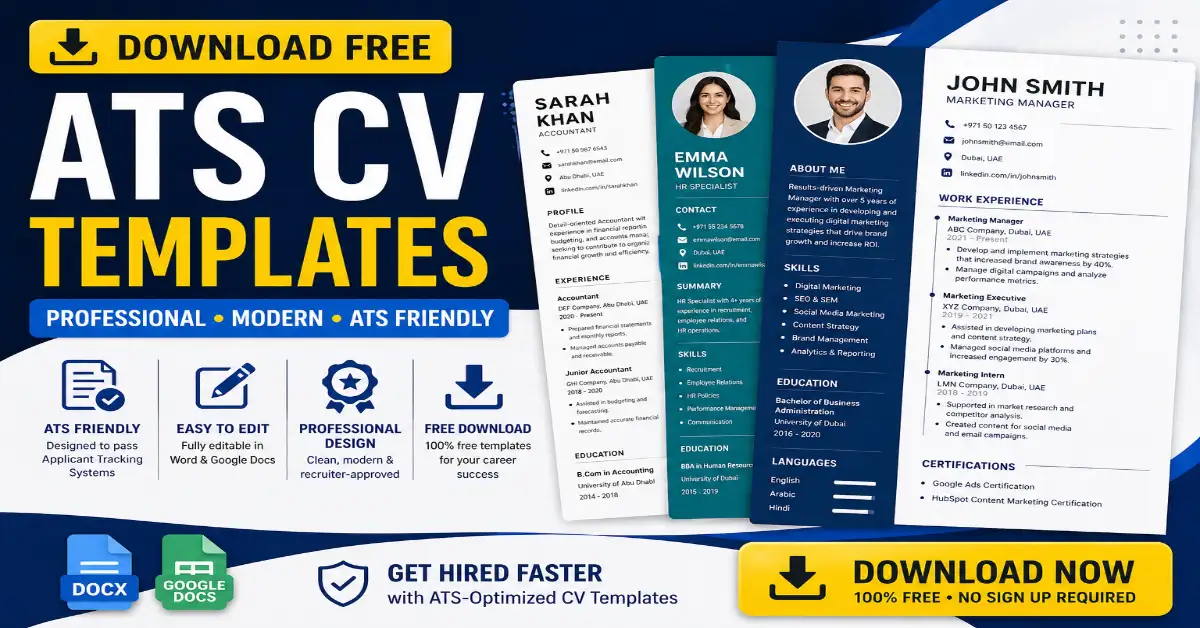
DOWNLOAD ATS CV TEMPLATES FOR FREE
⚠️ ദയവായി ശ്രദ്ധിക്കുക
നിങ്ങൾ ഈ ജോലിക്ക് അപേക്ഷിക്കുമ്പോൾ ATS സിവി മാത്രമേ അപ്ലോഡ് ചെയ്യുക,
കാരണം ATS Upload ചെയ്താൽ മാത്രമേ ഷോർട്ട് ലിസ്റ്റിൽ ഉൾപ്പെടുകയുള്ളു.
നിങ്ങൾക്ക് ഒരു പ്രൊഫഷണൽ ATS CV ആവശ്യമുണ്ടെങ്കിൽ,
ഈ കാണുന്ന നമ്പറിൽ വാട്സാപ്പിൽ മെസ്സേജ് അയക്കുക:
Conclusion
Creating an ATS-friendly CV is one of the most important steps in your job search. With the right structure, keywords, and formatting, you can significantly increase your chances of getting shortlisted.
Use free templates, keep your CV simple, and focus on your achievements. A well-optimized CV not only passes ATS systems but also impresses recruiters and brings you closer to your dream job.